
How do I apply a discount code?Updated 19 days ago
If you have a discount or promo code, you can apply it during checkout before completing your order.
To apply your discount or promo code:
- Add the item(s) you’d like to purchase to your cart.
- Proceed to the Checkout page.
- Locate the “ENTER PROMO CODE” section.
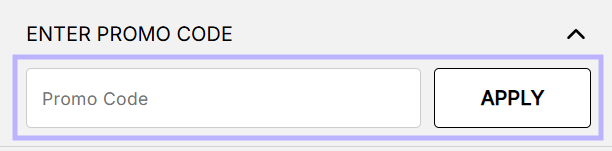
- Enter your discount or promo code exactly as provided.
- Click Apply to see the discount reflected in your order total.
Kindly note, our promo and discount codes cannot be used on sale items or in conjunction to any other offer.
If your discount code is not applying at checkout, please contact our team here with the code you are trying to apply and the items in your cart so we can assist further.